Download the app
Install BedrockTogether from the App Store or Google Play.
Write your legend.
A living survival world, an economy shaped by players, and a realm that rewards exploration.
Add the server from Minecraft’s Multiplayer menu.
In Minecraft Bedrock, open Play, then Servers, and add Valnoria.
Install the app on a phone connected to the same Wi-Fi network as your console.
Install BedrockTogether from the App Store or Google Play.
Server address : play.valnoria.fr
Port : 19132
Start broadcasting, then join the LAN server from Minecraft.
Install the app on a phone connected to the same Wi-Fi network as your console.
Install BedrockTogether from the App Store or Google Play.
Server address : play.valnoria.fr
Port : 19132
Start broadcasting, then join the LAN server from Minecraft.
Nintendo Switch uses the BedrockConnect menu to add a custom server.
Primary : 104.238.130.180
Secondary : 8.8.8.8
Under Servers, join Mineville, Lifeboat, Enchanted, Galaxite or The Hive.
Server address : play.valnoria.fr
Port : 19132
BedrockTogether and BedrockConnect are third-party tools independent from Valnoria and Mojang.
A complete adventure where building, progression and competition come together.
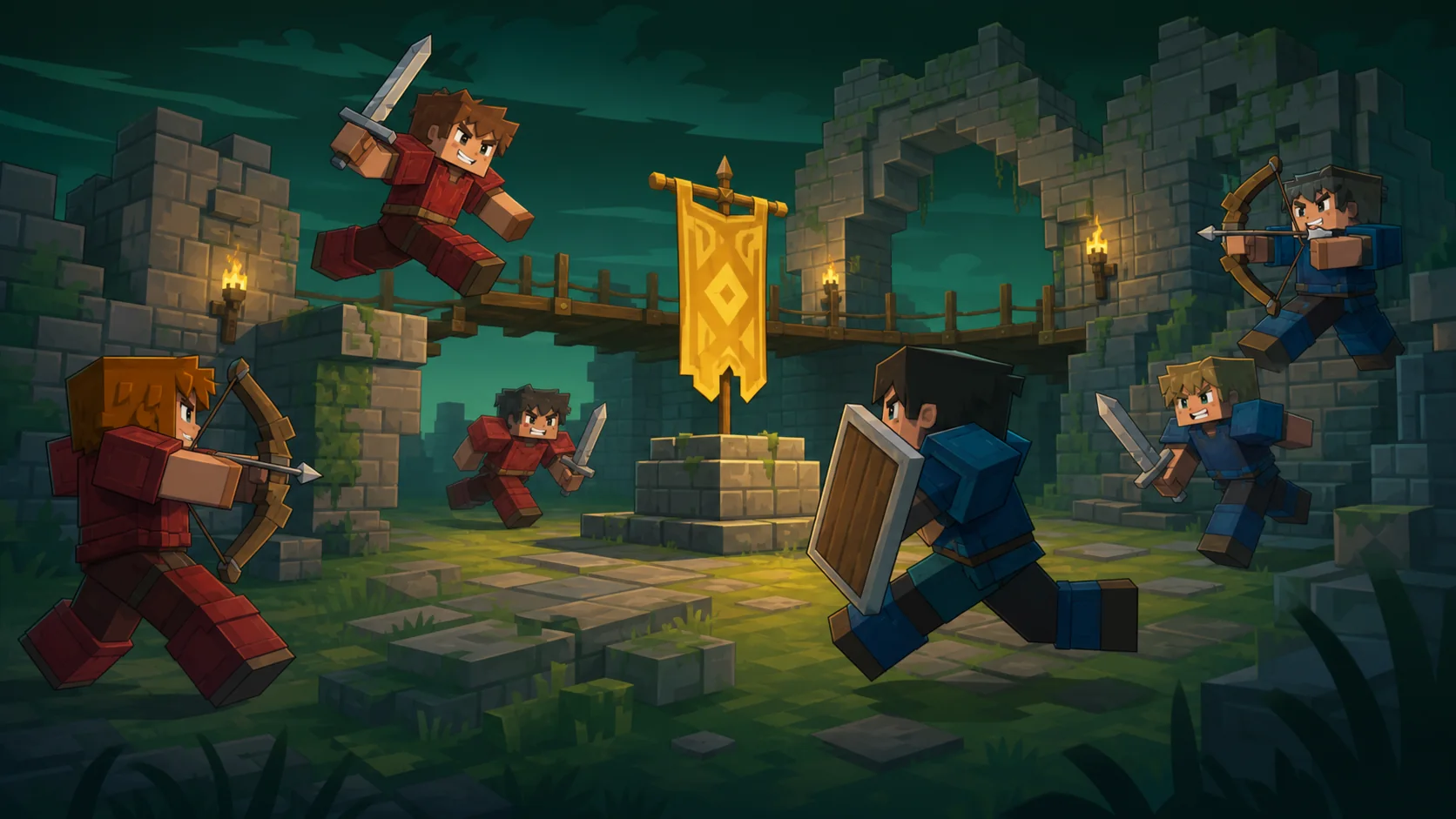
Build your territory and test your skills against other players when the adventure becomes competitive.
5 / 120 players online
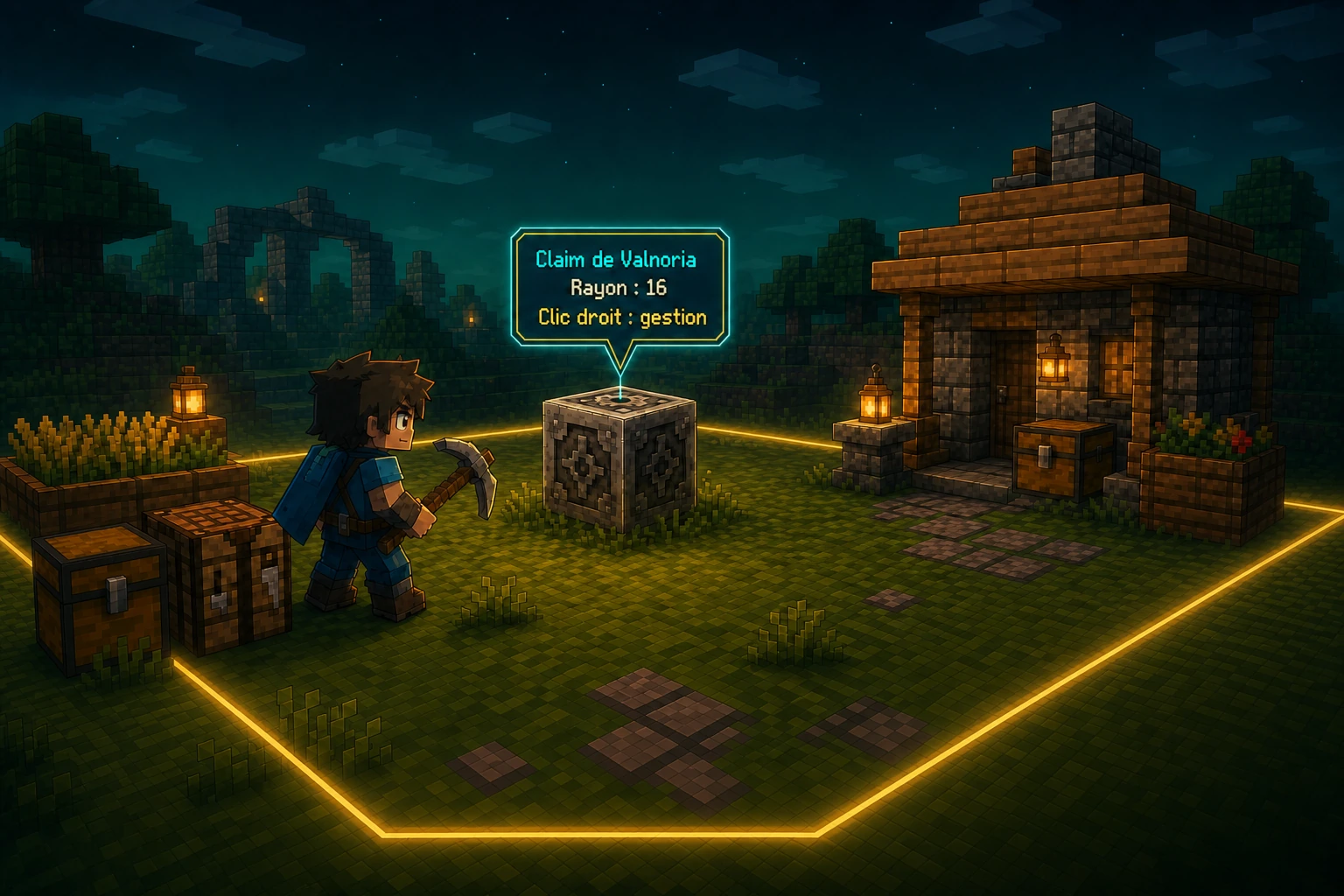
Protect your home, chests and builds in seconds. Expand your territory over time and easily choose which players can access it.
Join Valnoria and become part of an adventure that grows with its community.